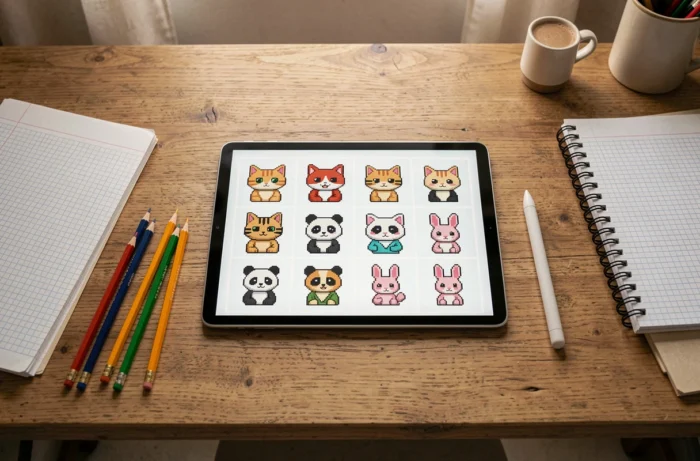
Animal pixel art remains one of the most accessible creative exercises to start drawing on a grid. The logic is simple: fill in square boxes, color by color, until a recognizable silhouette appears. Among the most reproduced subjects, the cat, panda, dog, and rabbit dominate online searches. The fifteen models that follow have been selected for their low number of colors, compact grid, and immediately identifiable rendering.
1. Sitting cat in profile
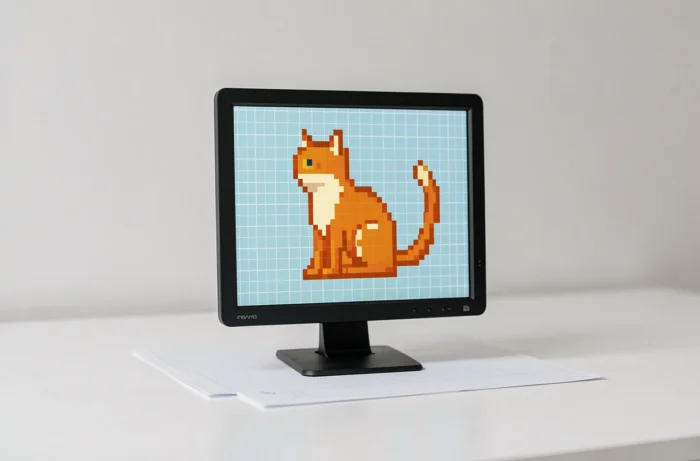
The cat alone accounts for the majority of online searches related to animal drawing. In pixel art, a sitting cat in profile is built on a grid of about 16 pixels wide. Two colors are enough: a medium gray for the body and a pale pink for the inside of the ears and the nose.
To enhance the cuteness, reducing the ears by one pixel and rounding the tail gives a more kawaii result. If you’re looking for other easy pixel art animal ideas, this model is a good starting point before moving on to more complex poses.
2. Round-headed panda
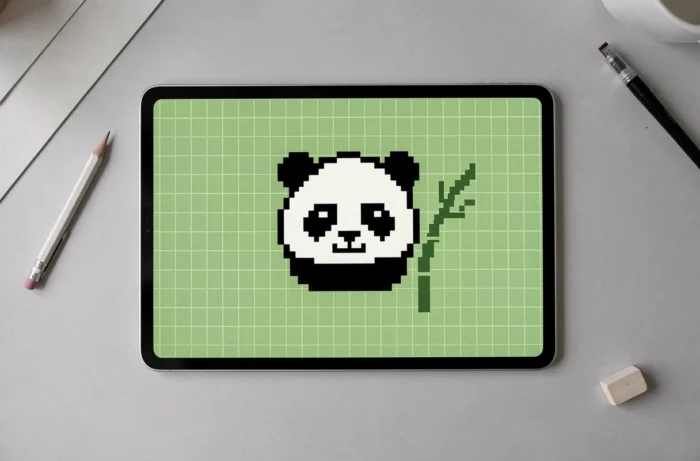
The panda is part of the canon of early kawaii drawings for beginners. Its round head is perfect for pixel art because the black and white contrast eliminates any hesitation about colors. Two colors and a 12 x 12 grid are enough to achieve a recognizable result.
The trick is to place the black eye spots on two staggered rows by one pixel. This creates a gentle expression without adding unnecessary detail.
3. Rabbit seen from the front
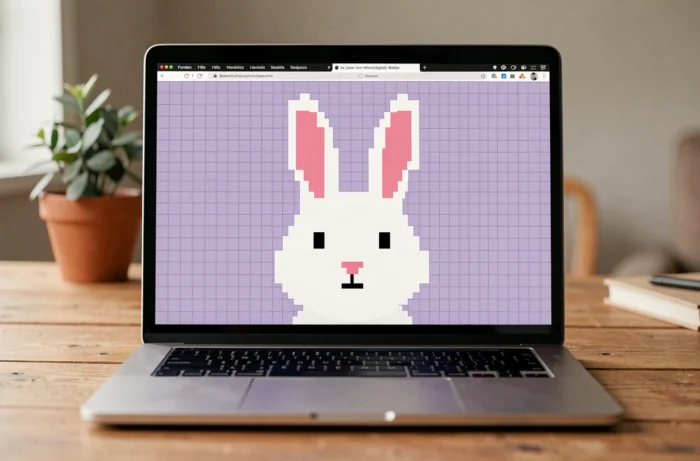
The rabbit from the front rests on two long vertical ears that occupy almost a third of the total height. White, pink, and black form the basic palette. The ears are drawn by stacking columns of two pixels wide.
This model works well on standard graph paper (5 mm). Coloring the inside of the ears pink immediately gives character to the drawing.
4. Shiba Inu style dog
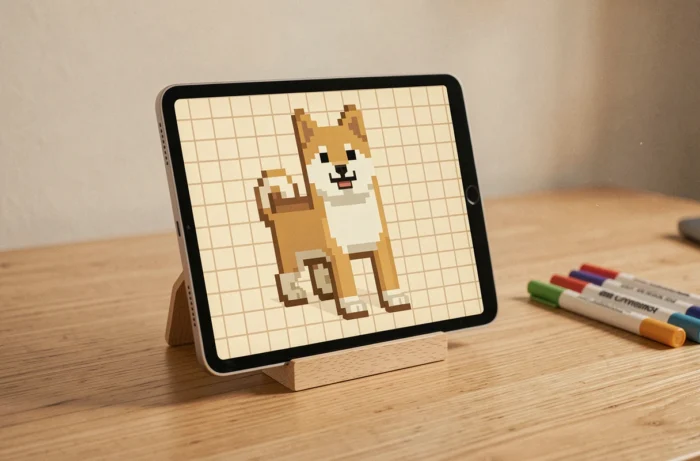
The Shiba Inu has become a popular subject due to its compact silhouette and bicolor coat. In pixel art, three colors cover the whole: orange, white, and black for the eyes and nose. The triangular head of the Shiba naturally translates into a staircase of pixels.
Starting with the black nose in the center of the grid, then symmetrically widening towards the white cheeks, helps maintain the correct proportions without preparatory sketches.
5. Minimalist polar bear
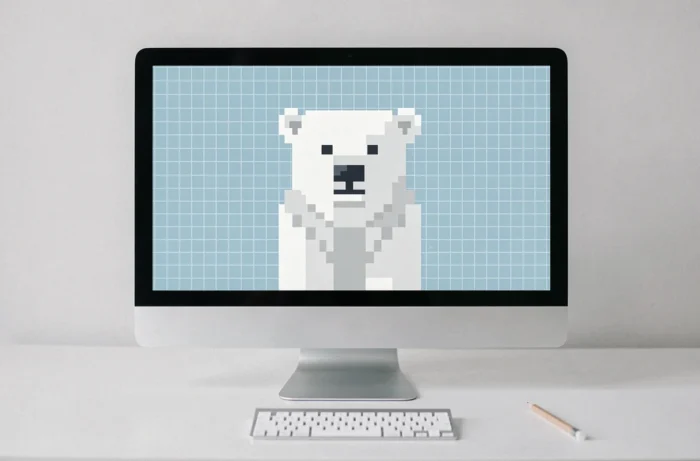
The polar bear appears on most lists of easy models for a technical reason: it requires only one filling color plus the black for the eyes and nose. The challenge then shifts to the outline, which must remain readable against a white background.
Using a light blue background or a light gray border around the silhouette solves this problem and gives an immediate winter effect.
6. Symmetrical butterfly
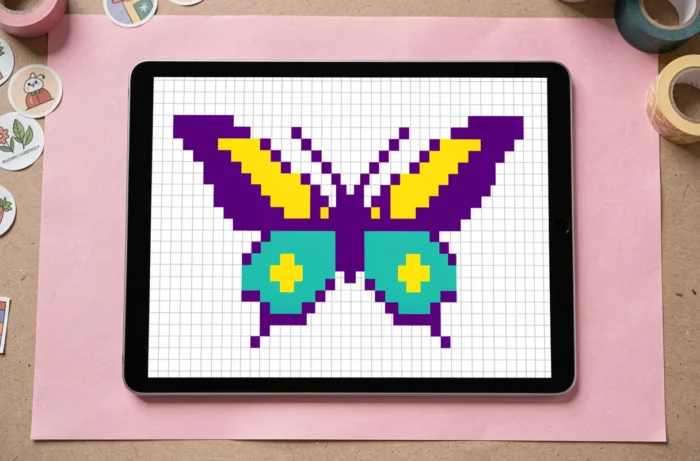
The butterfly allows for the introduction of axial symmetry into the exercise. One half is drawn, then the exact mirror is reproduced on the other side. Four to five bright colors (purple, yellow, orange, blue) make the wings attractive without complicating the grid.
Perfect symmetry is a good spotting exercise on graph paper, which is why teachers also use it in mathematics in the form of nonograms.
7. Giraffe head and neck
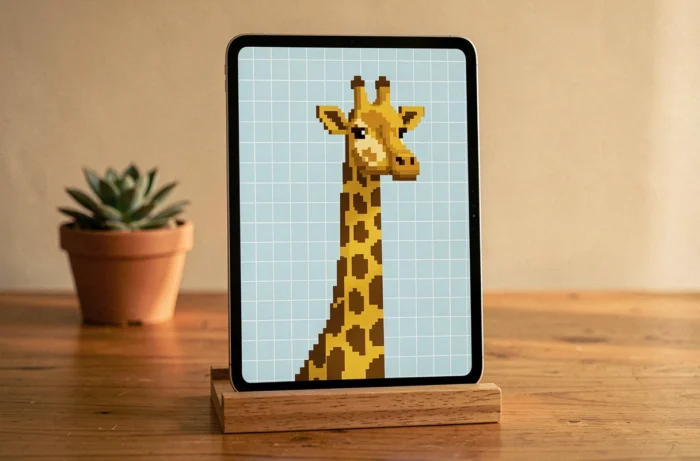
Reproducing a whole giraffe requires a tall grid. To stay in an easy format, limiting to the head and neck works better. Orange-yellow for the background, brown for the spots, black for the eyes and nostrils.
Placing the spots irregularly (every three or four boxes) avoids a too geometric rendering. The horns (ossicones) consist of two columns of one pixel topped with a square.
8. Tropical fish
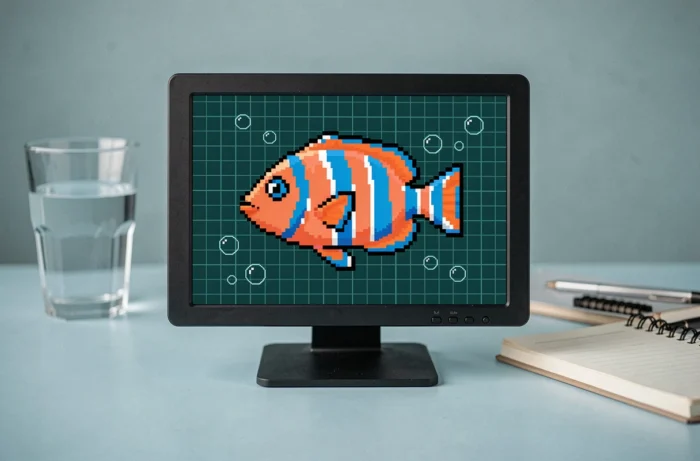
The tropical fish offers total freedom on the color palette. Its simple oval shape fits within a 10 x 8 grid. The eye is placed at the front quarter of the body, and the tail fin is drawn in three or four pixels in a fan shape.
This model is well-suited for very first attempts because even with placement errors, the result remains readable. Varying the colors from one fish to another quickly fills an entire page.
9. Owl with big eyes
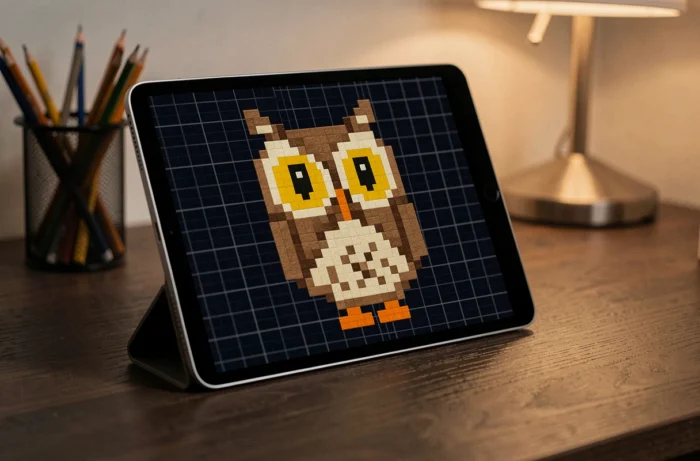
The owl is distinguished by its two large eye circles that occupy half of its head. In pixel art, these circles become squares of 3 x 3 or 4 x 4 with a central black pixel. Brown, beige, and orange make up the plumage.
Adding two small tufts of pixels on top of the head is enough to transform a generic bird into a recognizable owl. The large round eyes are the key to the kawaii rendering in this model.
10. Sitting red fox
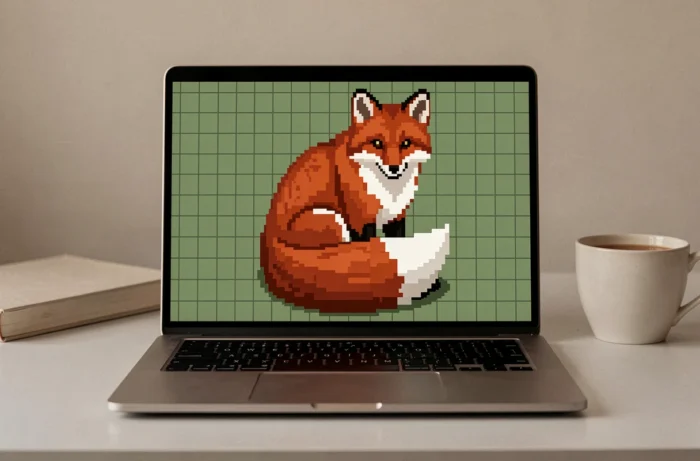
The fox uses three close colors: red, white, and black. The fluffy tail, the most characteristic element, takes the shape of a rounded triangle ending with a white tip. On a 16 x 16 grid, the entire body fits comfortably.
Starting with the pointed snout (one black pixel surrounded by white) helps center the composition. The rest of the body is built in rectangular blocks towards the back.
11. Turtle seen from above
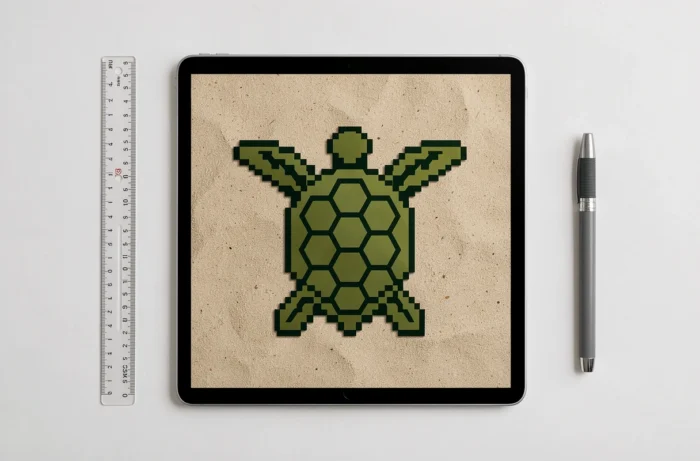
The top view simplifies the turtle considerably: an oval green for the shell, four short legs, and a round head. The hexagonal pattern of the shell translates into concentric squares of two shades of green.
This model introduces the notion of texture in pixel art. Alternating light green and dark green on the shell gives depth without adding extra color.
12. Penguin from the front
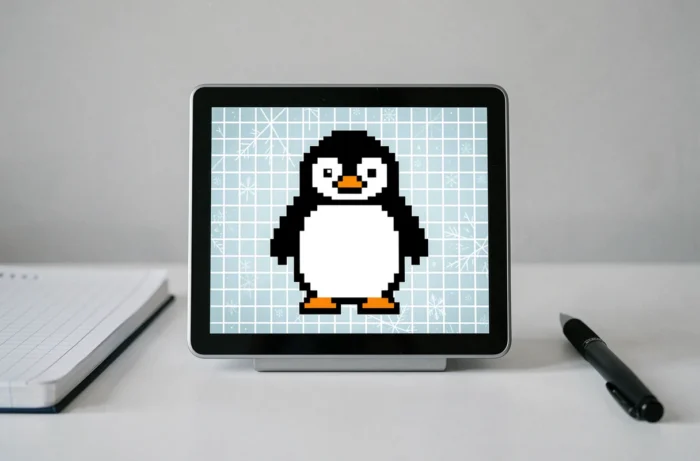
The penguin shares with the panda the advantage of a black and white palette. Its oval white belly is drawn at the center of a rounded black body. An orange beak (two pixels) and two orange feet complete the character.
For a more expressive rendering, shifting the eyes up by one pixel and bringing the beak closer to the gaze creates an endearing effect. The penguin also works very well in a series (a colony of three or four on the same grid).
13. Simple ladybug
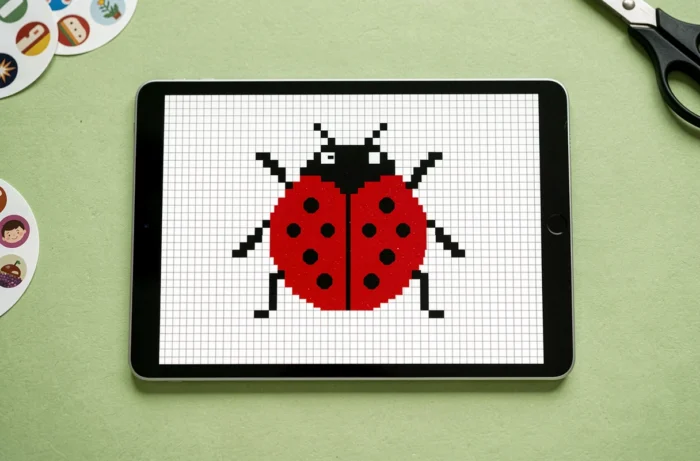
The ladybug is summarized as a red half-circle with black dots. On an 8 x 8 grid, the model is completed in a few minutes, making it a perfect exercise for younger ones.
Placing the line separating the elytra at the exact center (a vertical black column) immediately structures the drawing. The black dots, symmetrically distributed, reinforce the neat appearance.
14. Pixel starfish
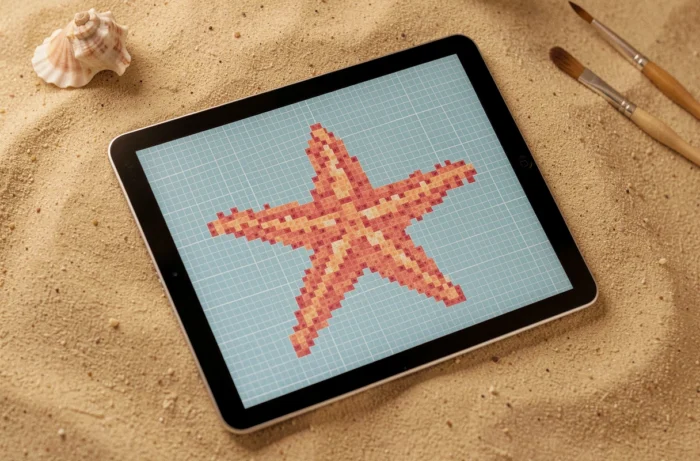
The starfish presents a different geometric challenge: drawing five regular arms on a square grid. Orange or pink serve as the main color, with a few lighter pixels in the center to simulate relief.
This model requires counting pixels accurately so that each arm has the same length. It’s a good spatial spotting exercise, often used in nonogram-type activities in class.
15. Kawaii bee
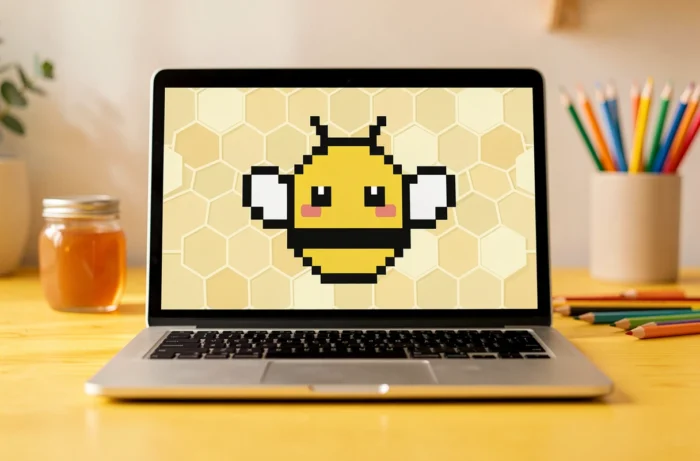
The bee combines easy-to-reproduce yellow and black stripes by alternating rows. Two small white or light blue wings protrude from the body, and a one-pixel stinger finishes the abdomen.
Adding two pink circles on the cheeks (one pixel each) transforms the insect into a kawaii character. This small detail, applicable to almost all models on this list, nicely summarizes the logic of cute pixel art: one or two well-placed pixels change the entire expression.
Each of these fifteen models fits on a compact grid and requires only two to five colors. The materials are limited to graph paper and a few markers. To extend practice, reproducing the same animal by doubling the grid size allows one to discover how the level of detail evolves with resolution, without changing the subject.